
Create and plan documents
Plan, draft and create contracts, filings, memoranda and other legal documents directly in Word.
You don't have to change the way you work. Legau works inside Word and Outlook and connects to the system where your documents already live.
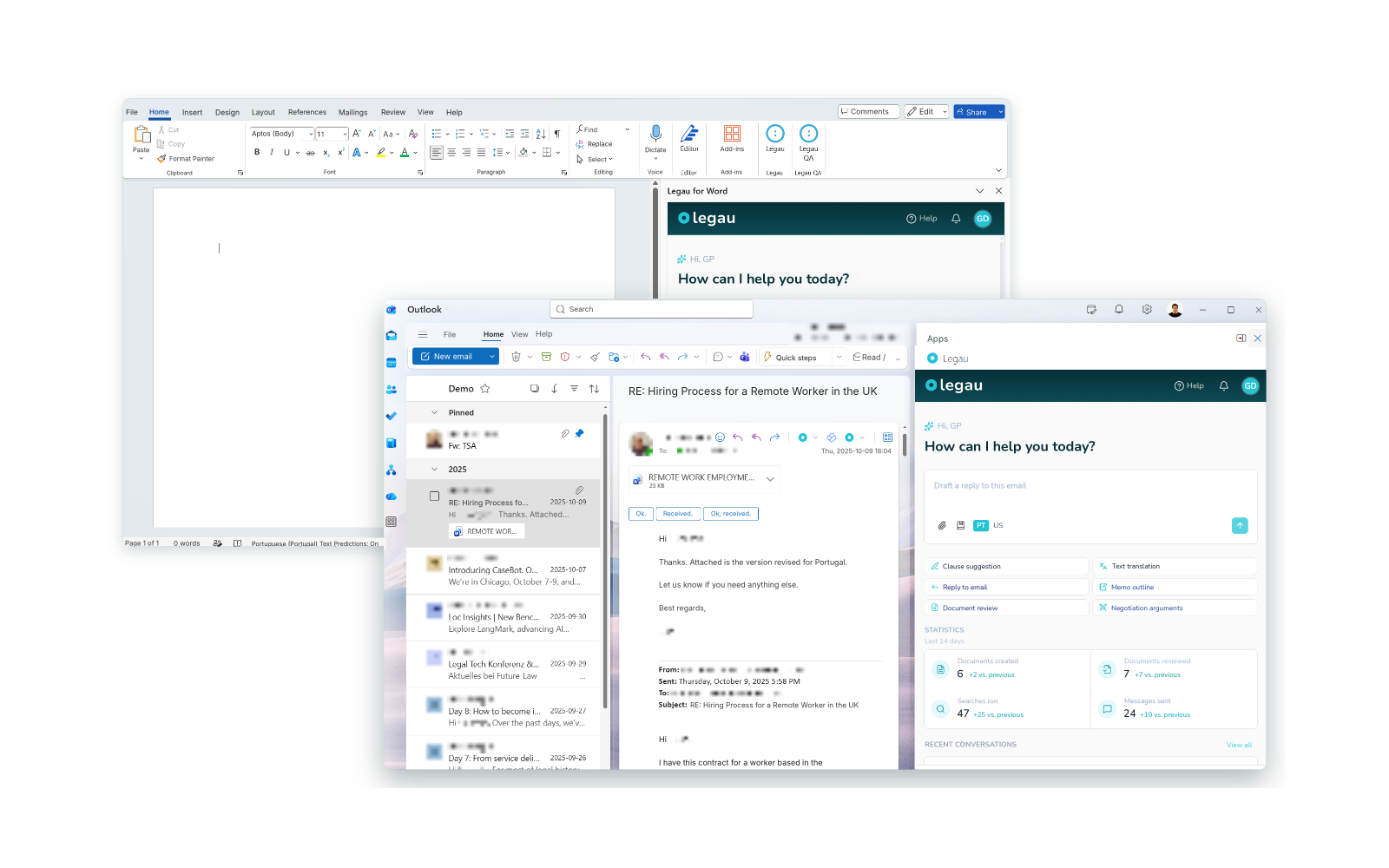
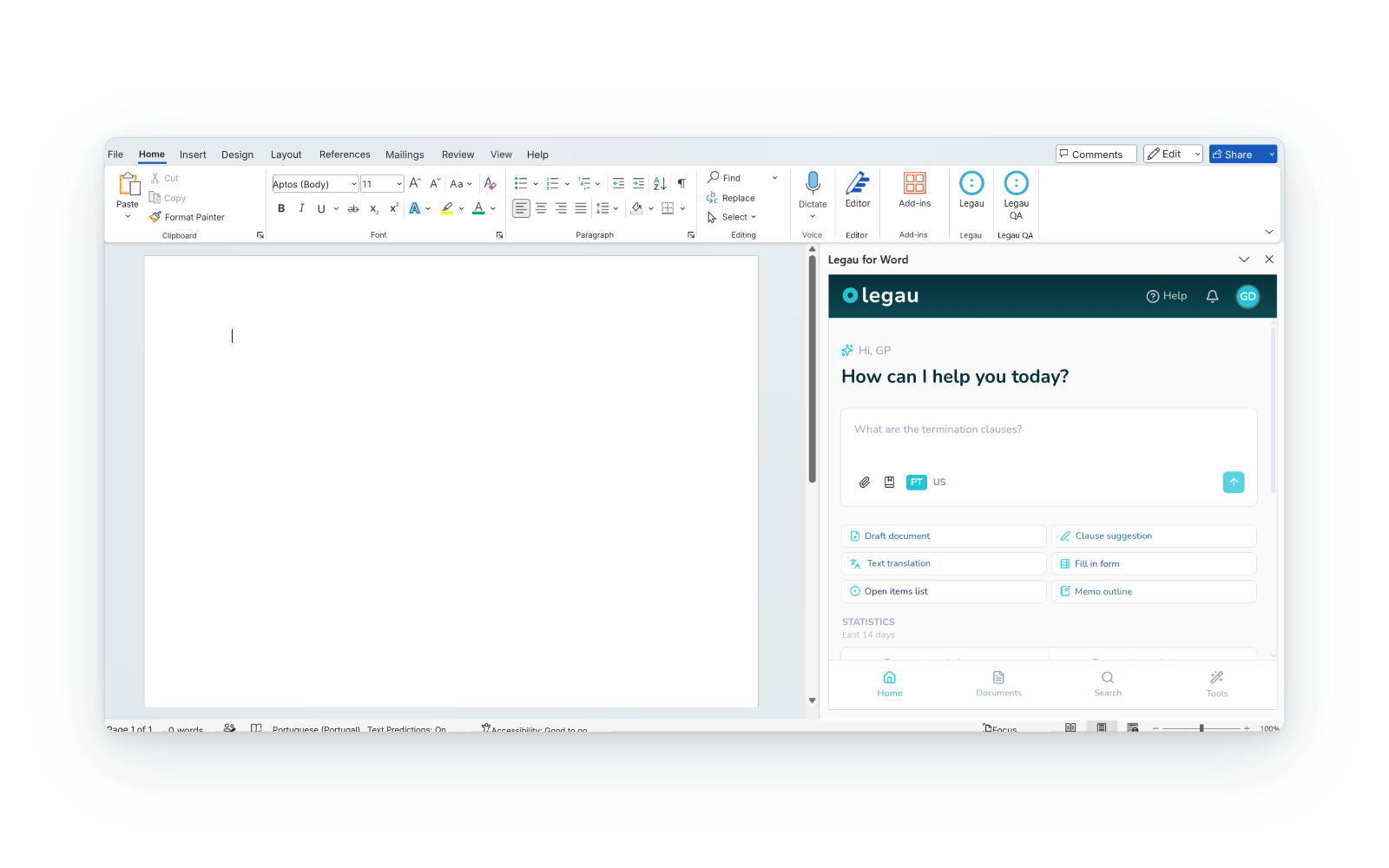
Plan, draft and create contracts, filings, memoranda and other legal documents directly in Word.
Ask questions about the content, identify points that deserve attention and deepen your analysis.
Identify weaknesses, negotiable points or others, work on new wording and introduce changes and comments directly in the document.
Find and consult relevant legal knowledge (legal sources or internal knowledge) and incorporate it into your work without leaving the document.
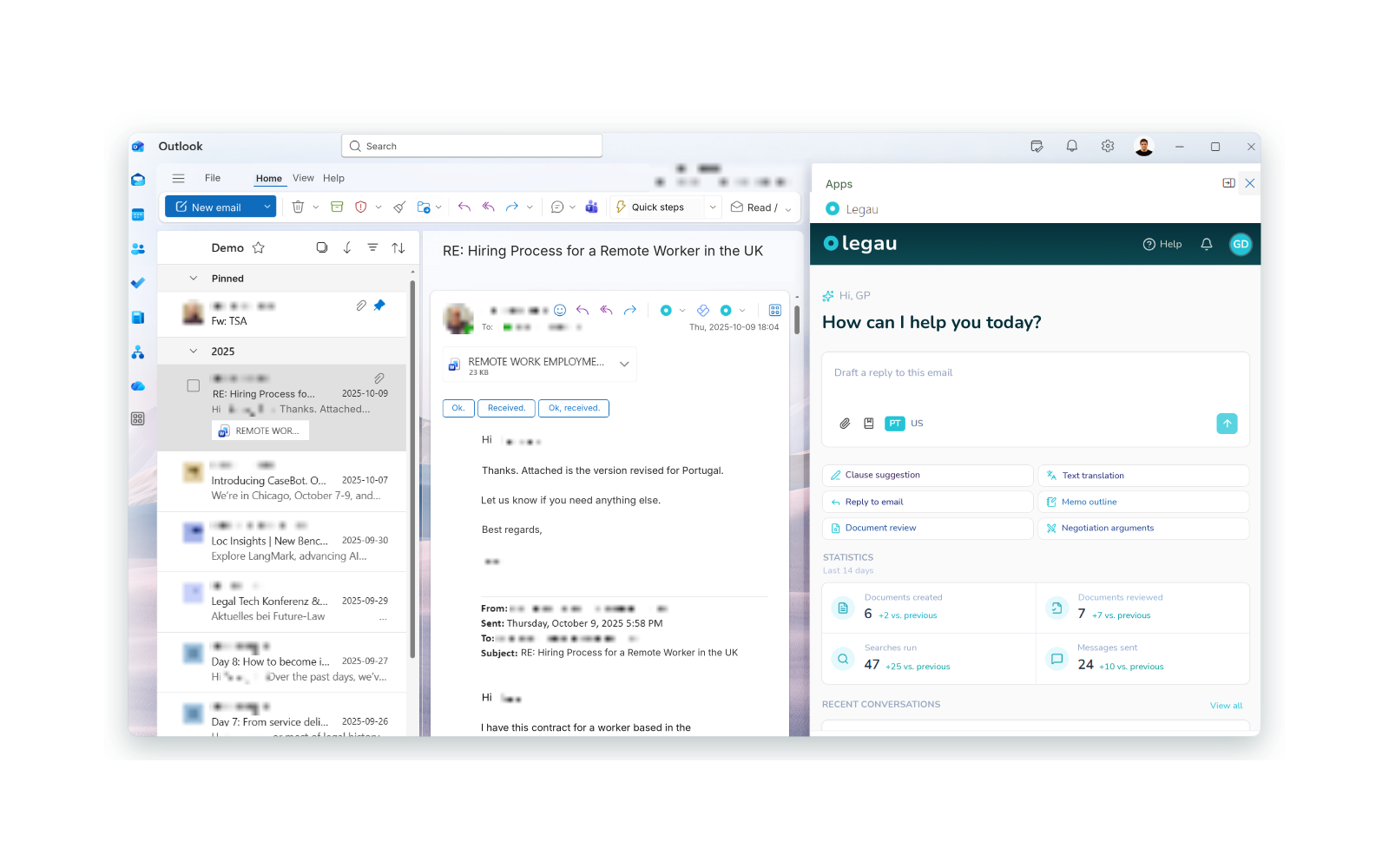
Replies drafted with the context of the thread and the attachments, the applicable legal regime and your knowledge.
Summarize long email threads and their attachments and identify the key points before replying.
Analyze emails and attachments in light of your knowledge or the applicable legal framework, without ever losing the context of the conversation.
Create and share email templates so that recurring communications follow the language and criteria set by the firm.
A connection to where your documents already live, quick and ready to use, with existing permissions respected. Nothing is migrated, and no implementation project is needed.






Legau is an indispensable tool in my daily routine as a lawyer. It lets me use templates and search case law and legal scholarship without leaving Word. Intuitive and simple to use. I recommend it to all litigation professionals. It's the digital legal library that was missing.
Security
Documents are encrypted in transit and at rest. You don't need to anonymize anything before working and your data and documents are never used to train models.
Draft, review, analyze, research and reply, without leaving the document or email you are working on.
Next